Customers hear back, even after hours.
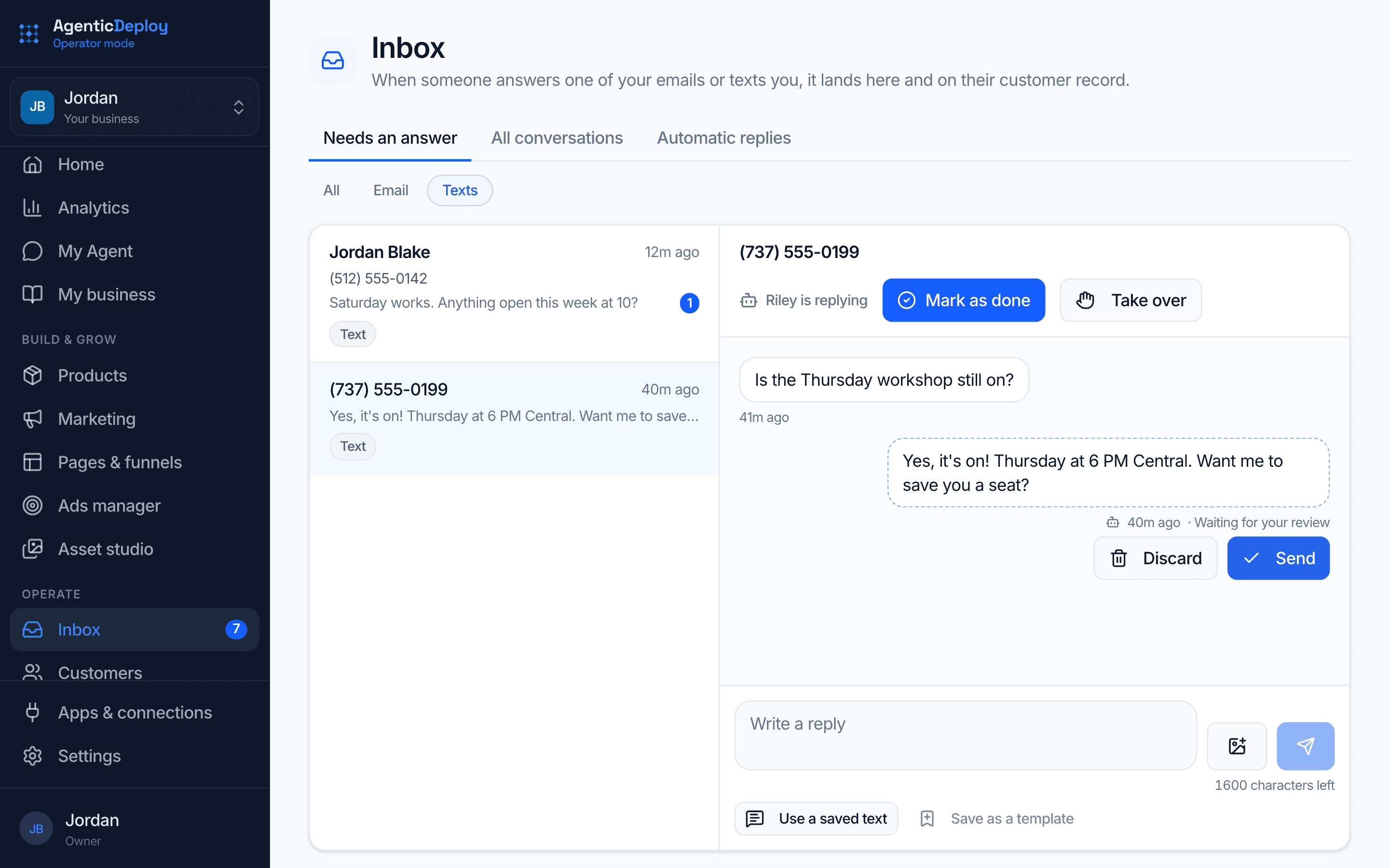
Your voice and text assistants answer from what they know about your business, every new buyer gets their welcome on schedule, and anything that needs you arrives with the whole story.
What do your clients experience in the hours your team is offline?
- Customers wait until morning for a simple answer.
- New buyers pay, then hear nothing until someone remembers.
- After-hours calls go to voicemail.
- Upset customers repeat their story to every person they reach.
The client experience work, handled on a schedule.
Concrete jobs, each labeled with the product that does it.
Every day
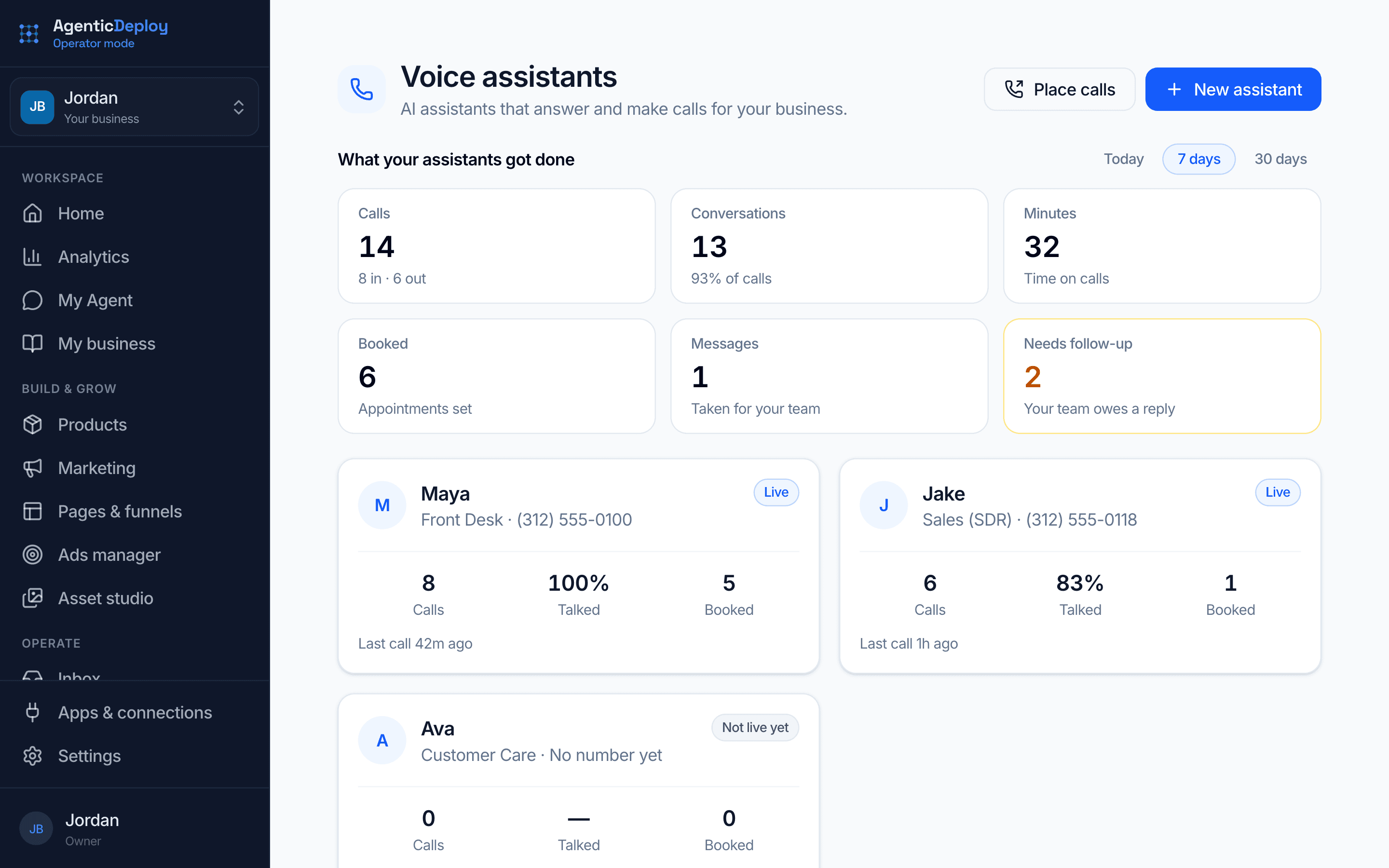
- Answer calls from what it knows about your business: book, reschedule, take a message or transferOperator Mode
- Answer customer texts, or hold each reply for your reviewOperator Mode
- Deliver what they bought the moment they payOperator Mode
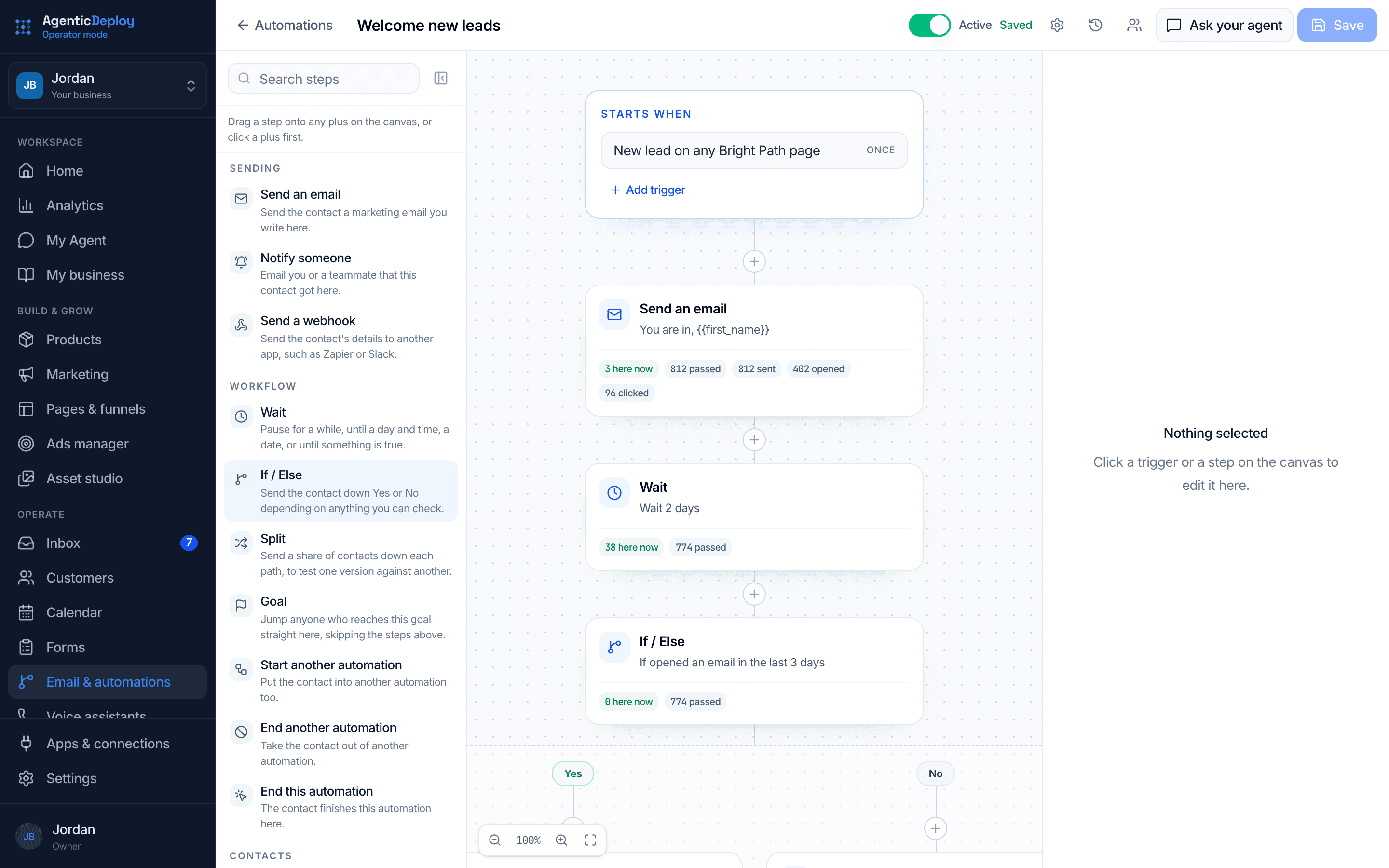
- Send each new buyer the next step of their welcome seriesOperator Mode
Every week
- Call recent customers to ask how it went, and ask the happy ones for a reviewOperator Mode
- Check in with anyone who has gone quiet for 90 daysOperator Mode
- Draft progress updates for your clients from your notes, ready for you to sendAgent Mode
- Sum up the questions customers asked most, so your answers keep getting betterAgent Mode
When it happens
- Someone buys: their download, community invite and welcome series start on their ownOperator Mode
- An appointment is coming up: a confirmation call the day beforeOperator Mode
- An appointment is missed: a call to help them rebookOperator Mode
- A caller needs a person: transfer with a spoken summary, or take a message for your teamOperator Mode
- A payment plan payment is missed: a friendly reminder with the link to fix itOperator Mode
04 / Client Experience
What AI does here
Usually, silence. And people decide how they feel about a business in the gaps: the question that sat unanswered, the update that never came, the wait between paying and receiving.
AI deployed here closes the gaps. The channels you assign always answer, from your own knowledge base. Onboarding runs on schedule. Updates go out before anyone has to ask for them. And the conversations that genuinely need a human get handed over with full context, never a cold start.
It works the other side of the experience too: accelerating the fulfillment itself. When your team delivers faster, the people you serve get clarity faster, outcomes faster, results faster. That is the experience, whoever your customer is.
Your next customer, from payment to review.
Here is one customer's first weeks in Operator Mode. You set each piece up once; after that, each step starts from something the customer did.
What it needs: Calls and texts need a US or Canada number, and texting starts once the carriers approve it, usually in 1 to 3 business days.
- 1
They pay
The welcome starts itself
What they bought is delivered, their community invite goes out if you run one, and your new-buyer welcome begins.
- 2
That evening
They text a question
Your text assistant answers from what it knows about your business, or holds the reply for you if review mode is on.
- 3
Days 2 to 21
The welcome keeps going
A quick win, your community, a success story and more, each on the day you set.
- 4
The day before
Your assistant confirms the session
It calls to confirm the time, and offers to move it if it no longer works.
- 5
If something is wrong
You get the whole story
An upset caller is transferred to your team with a spoken summary, or their message lands in your tasks and your inbox. On text, you take over the thread and hand it back when you are done.
- 6
After you mark it done
It asks how it went
Your assistant calls. Happy customers are asked for a review; anyone unhappy is heard out, and what they said comes to you.
Every customer hears back, on its own.
Once your assistants and welcome series are on, they work day and night. You step in only where judgment or care is needed.
- After-hours calls answered, booked, or passed to you with the whole story
- Customer texts answered from what it knows about your business
- Purchases delivered and welcome series started the moment someone pays
- Confirmation calls the day before every appointment
- Review requests and 90-day check-ins sent on schedule
- Opt-outs honored and logged on the contact, every time
Start with approvals on. As trust builds, let more run on its own, one kind of action at a time.
What stays with you
You choose which actions wait for your yes. In client experience, these are the ones to keep in your hands:
- Any conversation that needs judgment or care
- Refunds, exceptions and promises
- What your assistants know and are allowed to say
Where it runs
A client success worker that drafts check-ins and updates from your notes, ready for you to send.
Voice and text assistants that answer from what they know about your business, plus welcome, confirmation and review follow-ups that start from what customers do.
The rest of the business.
Put AI on your customer experience.
Tell us how customers reach you today in about two minutes. If there is a fit, we will show you this running on your business on a short call.