Stop being the reminder for everything.
Your recurring checklists run on schedule, late work gets chased, and everything that needs you lands in one place. A daily or weekly summary tells you what got done, by email, in Slack or on Telegram.
What breaks in your business when you step away for a week?
- The Monday numbers take someone half a morning to pull together.
- Checklists exist, but whether they get run depends on who remembered.
- Overdue tasks sit until someone happens to notice.
- You hear that something broke from a customer.
The operations work, handled on a schedule.
Concrete jobs, each labeled with the product that does it.
Every day
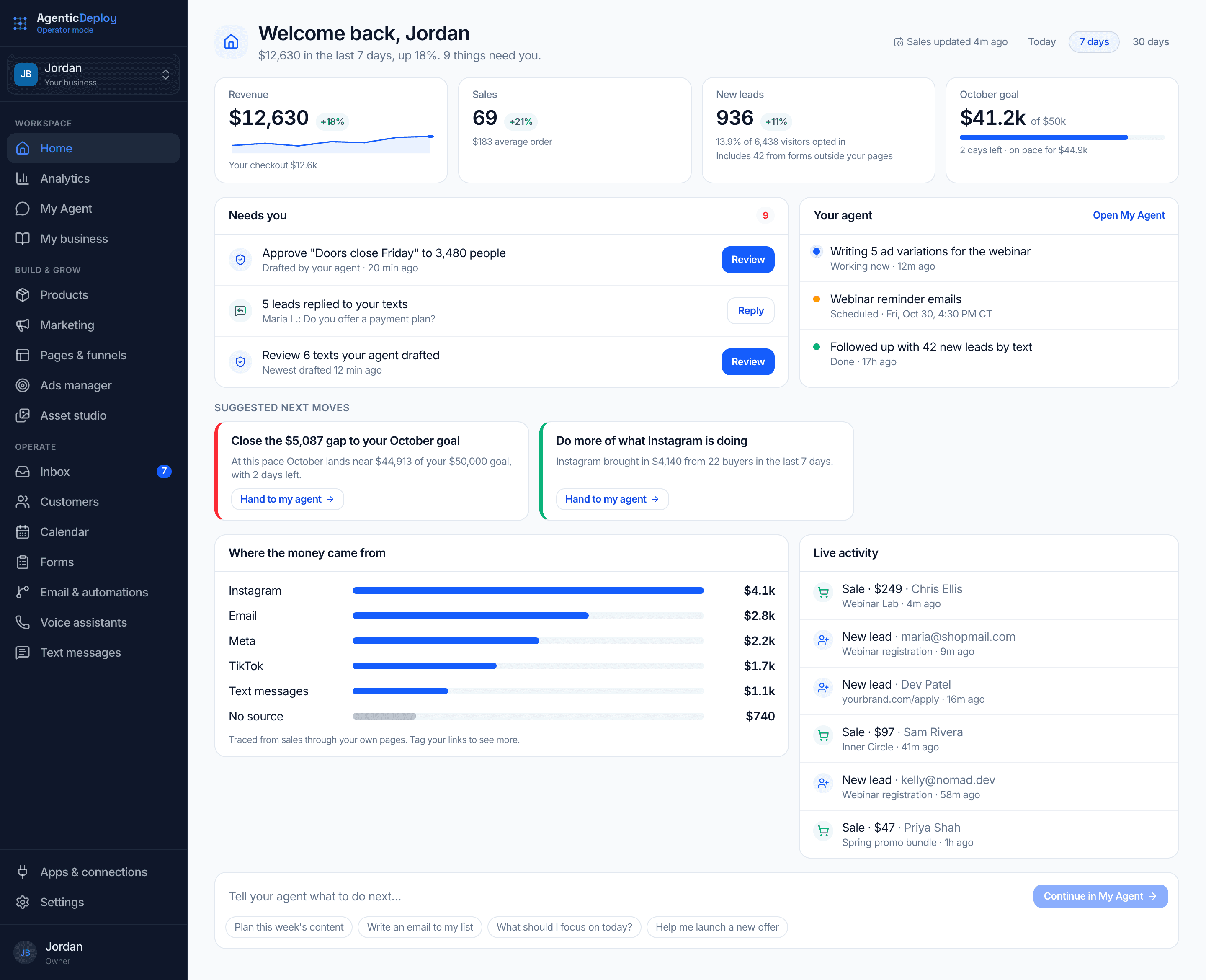
- Show what needs you today and what your agent is doing, on one Home screenOperator Mode
- Check your task board in ClickUp, Notion or monday.com and list what is lateAgent Mode
- Chase each late task with a nudge to whoever owns itAgent Mode
- Email you a reminder for each follow-up task when it comes dueOperator Mode
Every week
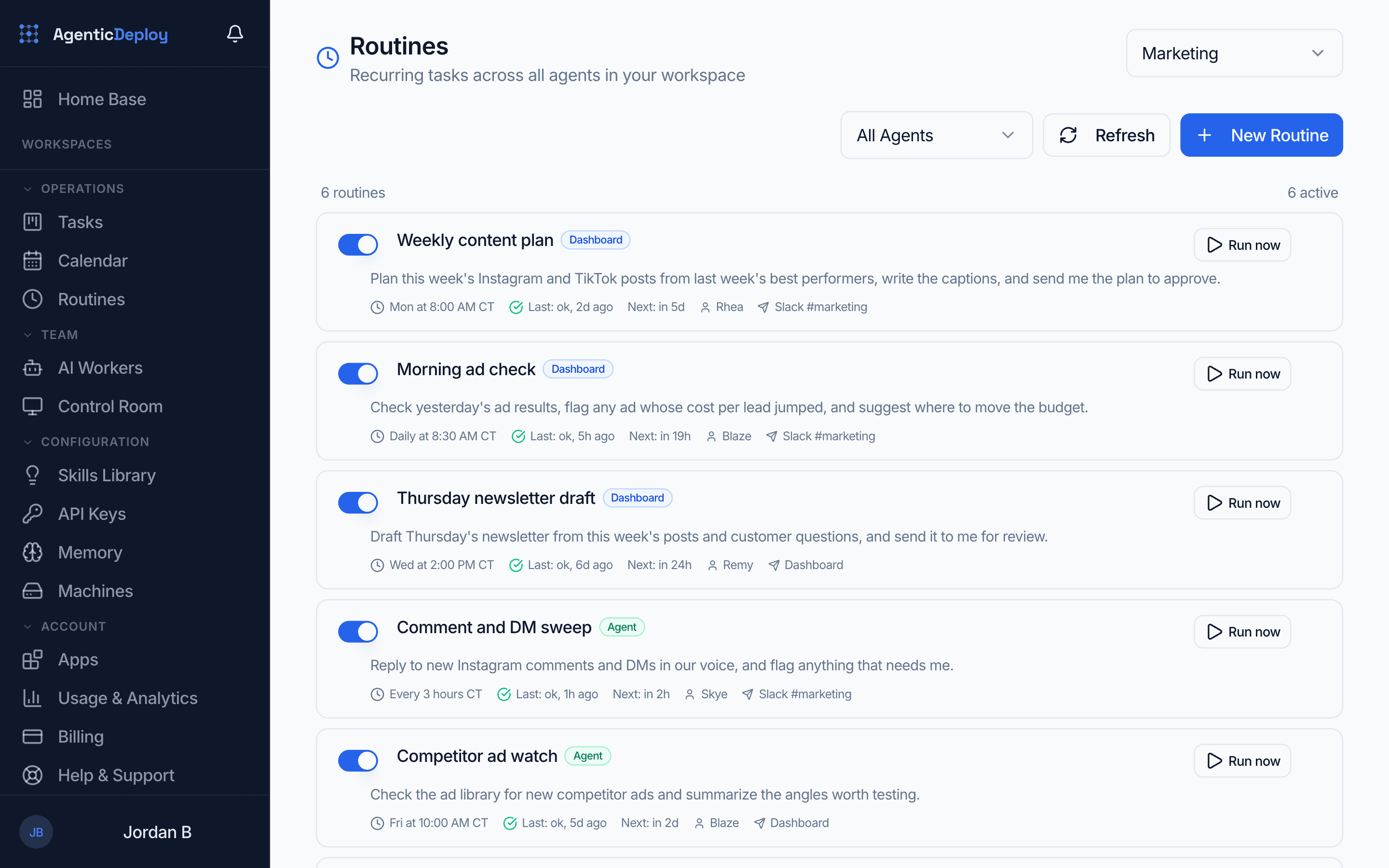
- Run your recurring checklists on schedule and report what was doneAgent Mode
- Compile the Monday numbers from Google Sheets or QuickBooks before you sit downAgent Mode
- Email your daily or weekly summary: work finished, approvals waiting, anything that failed and what is nextOperator Mode
- Post the week's status to your team in Slack or on TelegramAgent Mode
When it happens
- A connection stops syncing or a page stops recording visits: it shows up under Needs youOperator Mode
- A new deal comes in: you get an email and a follow-up task is booked for the next dayOperator Mode
- A job needs a specialist: one worker hands it to another and reports backAgent Mode
- A call is booked: your calendar shares calls across your team, and you can hand one to someone elseOperator Mode
- A process changes: tell it in one sentence and the routine updatesAgent Mode
01 / Operations
What AI does here
Whatever just came to mind, that's operations: the recurring work that keeps everything running, and quietly eats your most capable people alive.
This is where AI gets deployed first in most businesses. The Monday numbers compiled before you sit down. The checklist that actually gets run, every time, and reported on. The status checks, the handoffs, the loose ends chased without anyone being reminded. Not because it's glamorous. Because it's the drag on everything else.
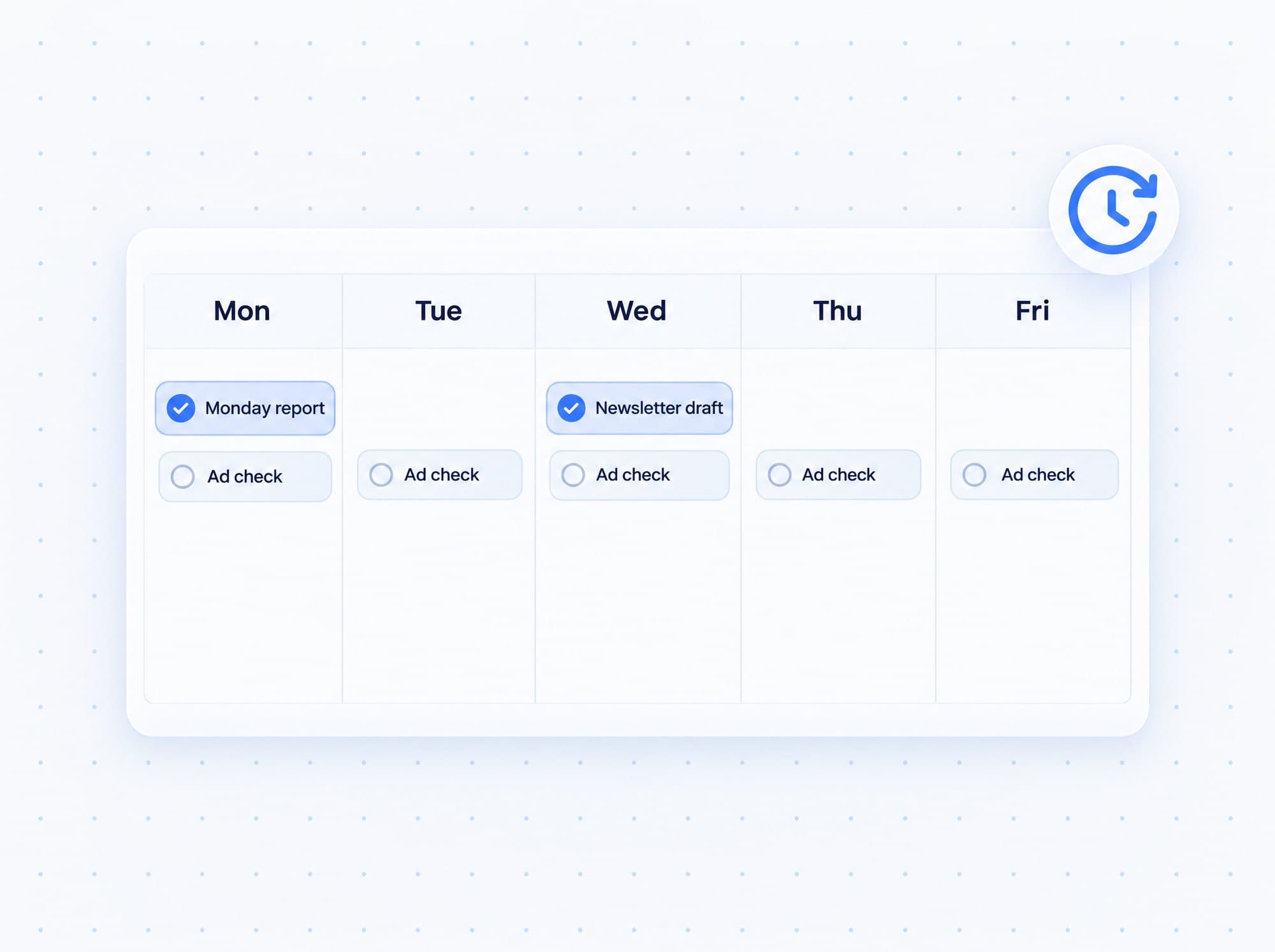
Friday's close-out, with no one reminding anyone.
Here is one weekly routine an Agent Mode operations worker runs after you describe it once in chat, working in the apps you connected.
What it needs: Connect the apps it checks, like ClickUp, Notion or monday.com.
- 1
Once
You describe Friday
In chat, you say what the close-out covers: check the board, chase what is late, send the summary. It saves that as a routine on the day and time you pick.
- 2
Friday, 3 PM
The routine starts on its own
Nobody reminds it. It runs at the time you set, in your time zone.
- 3
First
It reads the board
It pulls every task in ClickUp, Notion or monday.com that is late or unassigned.
- 4
Then
It chases the loose ends
It comments on each late task and drafts a nudge to whoever owns it. With approvals on, anything that goes out waits for your yes.
- 5
When it is done
The summary lands
One message in Slack, on Telegram or in web chat: what got done, what is stuck and who owes what, with a spreadsheet of every open item.
- 6
Any week after
You change it in a sentence
Tell it to add a step or move the day, and it edits the routine. Every run is logged, so you can check that it went out.
The operating rhythm runs itself.
Once a routine is set, nobody has to remember it. Your AI team runs the checks, chases the loose ends and reports back on schedule.
- Friday close-outs, Monday numbers and month-end checklists run on the day and time you set
- Late tasks get chased, and their owners get a nudge, without you asking
- Your summary arrives on its own: by email, in Slack or on Telegram
- Broken connections and pages that stop recording show up under Needs you
- Follow-up tasks book themselves when a new deal comes in
- Workers hand jobs to each other and report back what came of it
Start with approvals on. As trust builds, let more run on its own, one kind of action at a time.
What stays with you
You choose which actions wait for your yes. In operations, these are the ones to keep in your hands:
- What counts as done, and what needs a second look
- Which messages to clients and customers go out on their own
- Changes to your live systems
Where it runs
An operations worker that runs your routines on schedule, works in the apps you connect and hands jobs to its teammates.
Home shows what needs you and what your agent is doing, and a daily or weekly email sums it up.
The rest of the business.
Put AI on your weekly checklist.
Tell us what keeps your team busy every week in about two minutes. If there is a fit, we will show you this running on your business on a short call.